Accessing MiniStore in the Giftme App
This guide explains how to access the MiniStore container within the Giftme development app for testing your integration.
Prerequisites
- Giftme DEV app installed on your device
- A valid Giftme account
Steps to Open MiniStore
1. Sign In to Your Account
Open the Giftme DEV app and sign in with your credentials.
2. Navigate to Account Settings
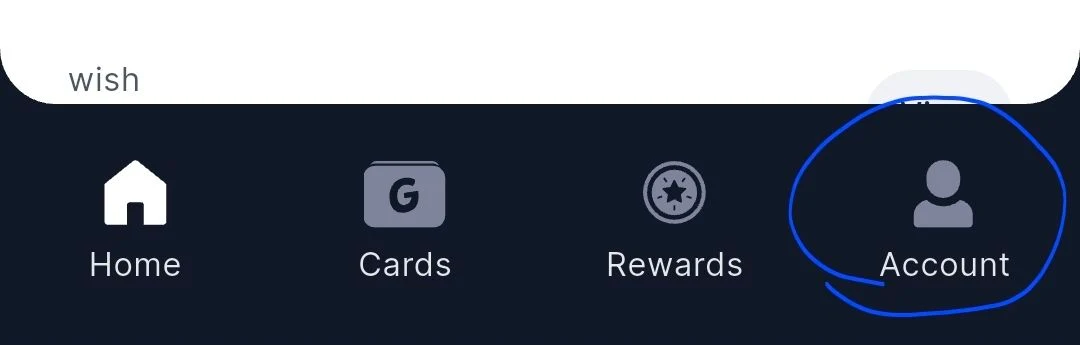
Once signed in, tap on Account in the bottom navigation bar.
3. Access Developer Mode
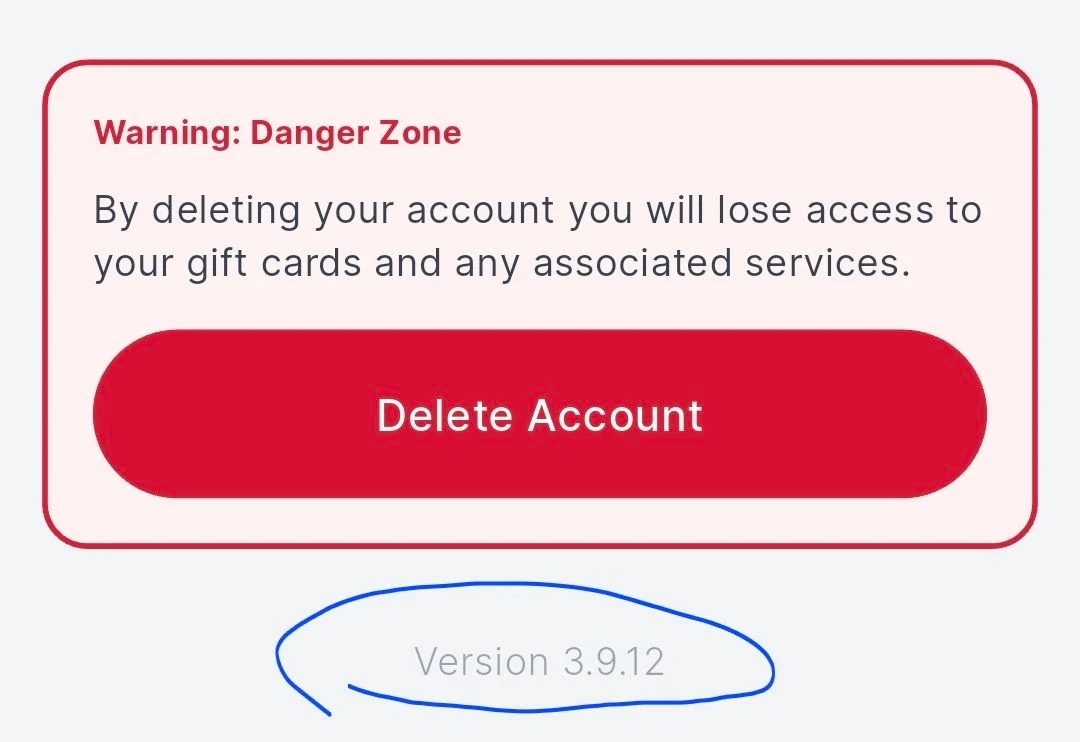
Scroll to the bottom of the Account page. You will see the app version number displayed.
Tap on the app version three times to enable developer mode and open the MiniStore container.
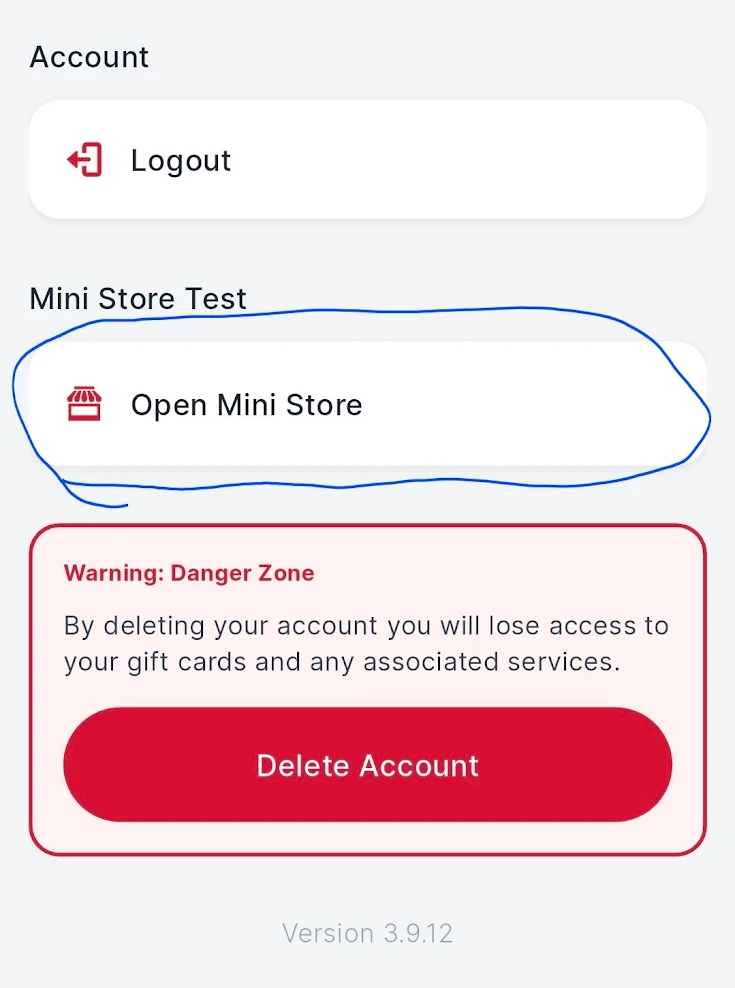
4. MiniStore Container
The MiniStore container will now open, allowing you to test your integration.
Notes
- Use the Giftme DEV app for testing your integration.
- Ensure you are using Giftme Android v3.11.6+ or iOS v3.11.6+ for full SDK compatibility.